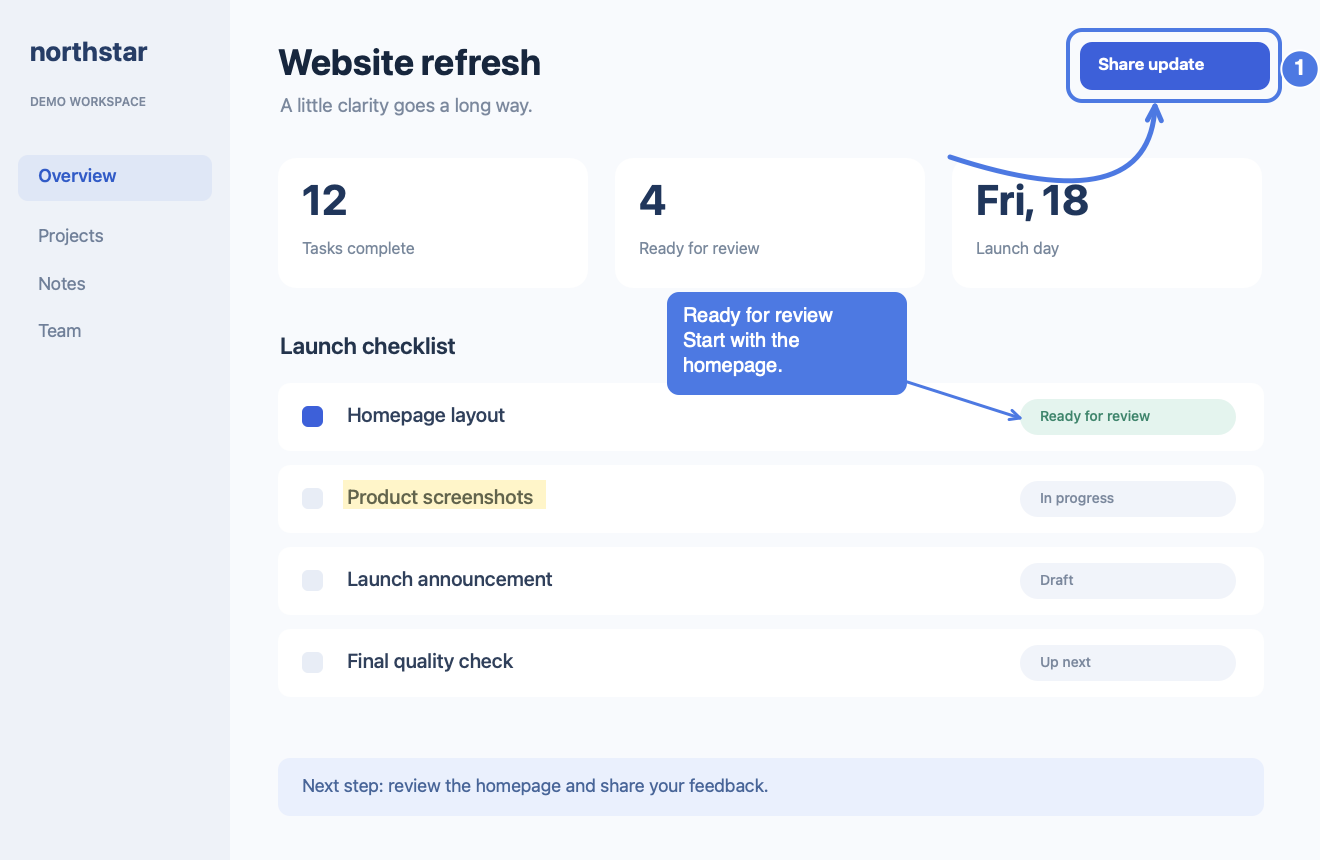
Annotate in place
Arrows, callouts, steps, cover, highlight, crop, and more—without a round trip to another editor.
Fast local capture, precise annotation, manual scrolling screenshots, OCR, and pinned references—for you and the agent working beside you.
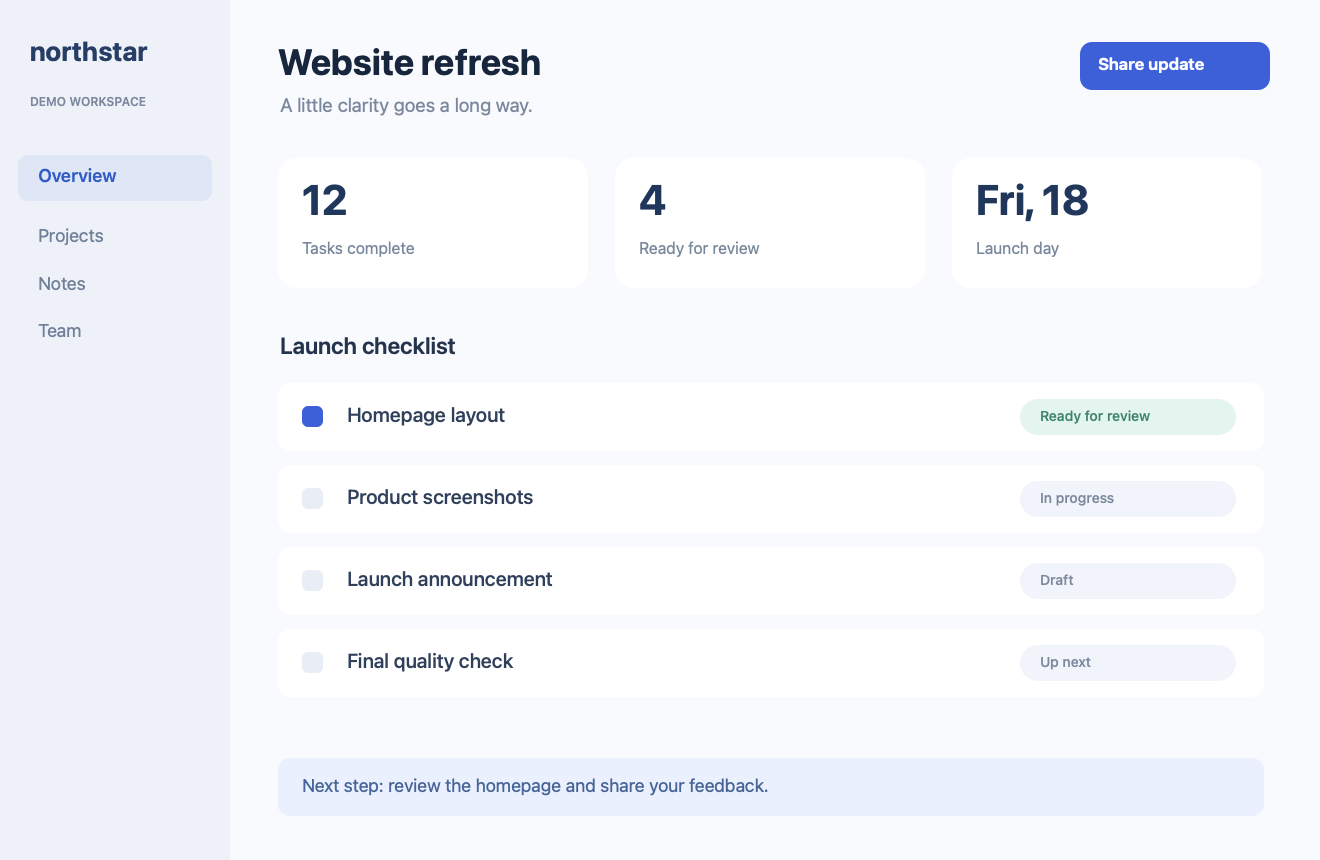
Everything stays focused on the image: capture, mark, extract text, or keep a reference floating above your work.
Arrows, callouts, steps, cover, highlight, crop, and more—without a round trip to another editor.
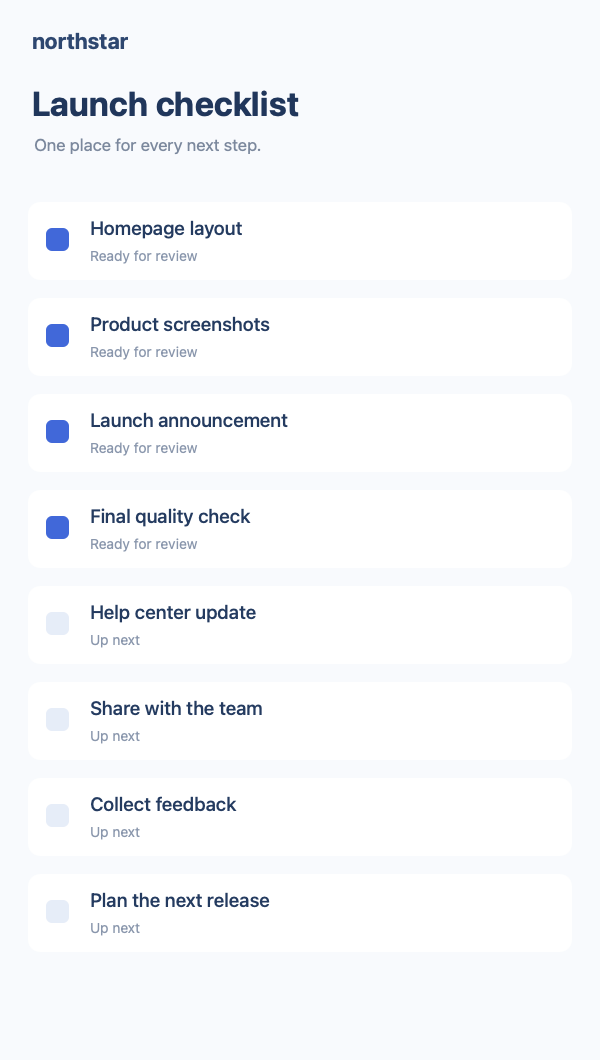
You scroll; Framecap samples and joins verified overlap while a side preview shows the accumulated result.
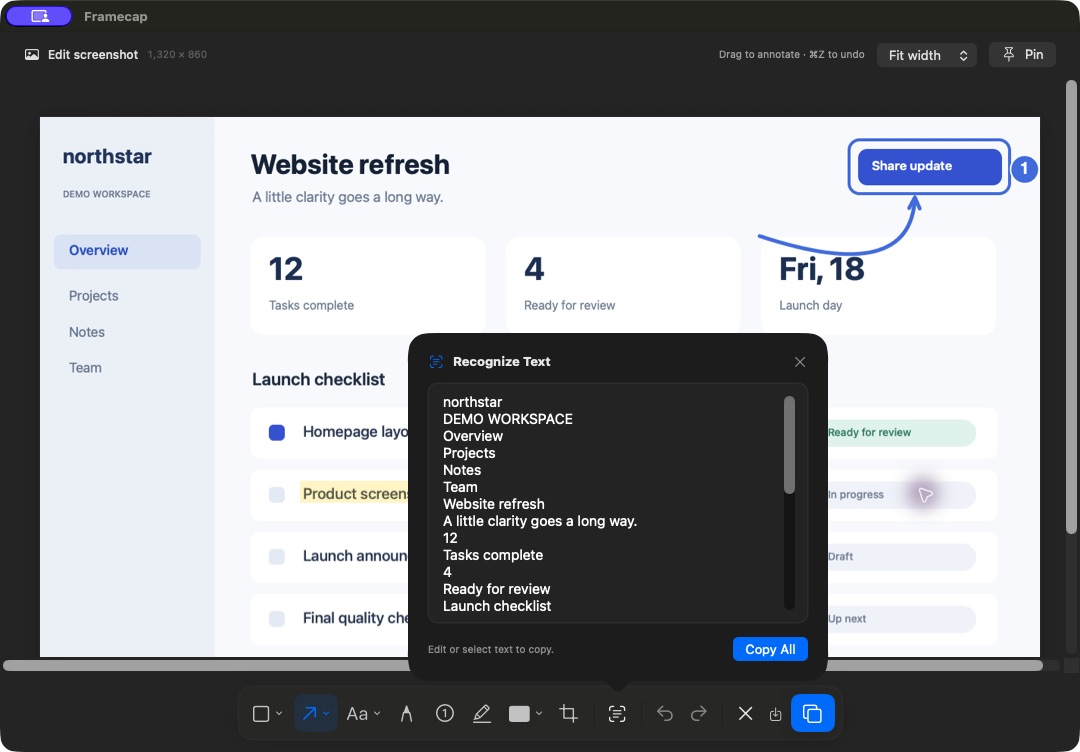
Use macOS Vision from the editor. OCR is currently a GUI feature, not an Agent API.
Keep an image above other windows while you work, then close the exact pin through the App or local API.
CLI first, MCP when supported. The first macOS Screen Recording approval remains yours.
Open agent setup